

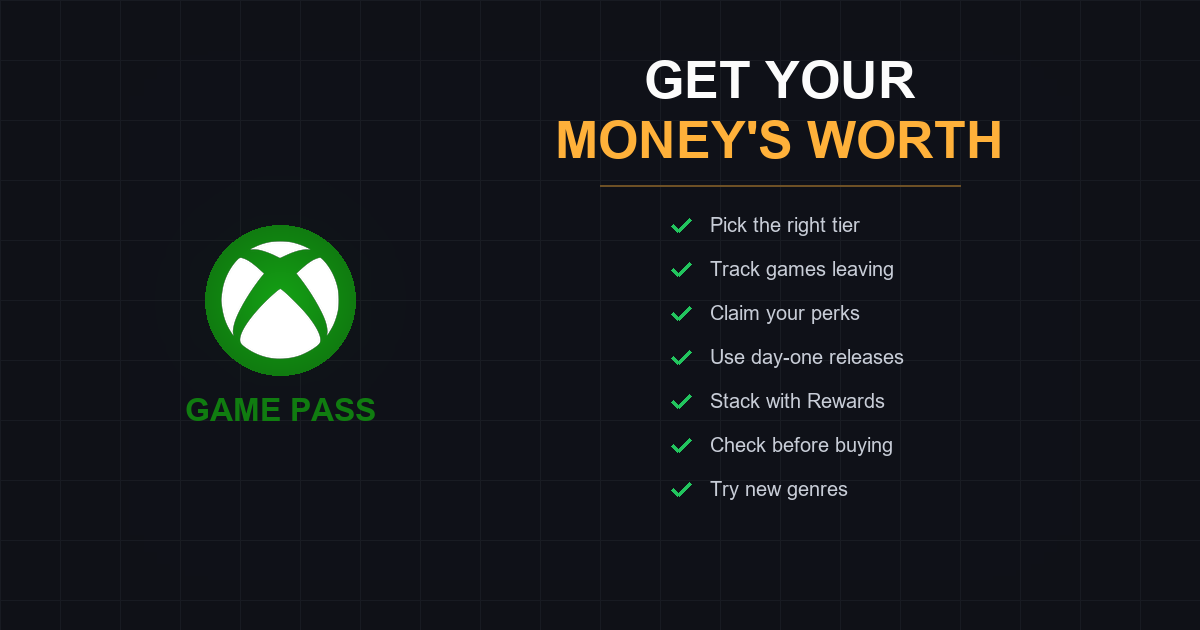
How to Get the Most Value from Game Pass
You're paying for Game Pass. But are you getting your money's worth?
At $9.99 to $29.99 per month depending on tier, Game Pass is either the best deal in gaming or an expensive habit. The difference comes down to how you use it.
Most subscribers stick to the same 2-3 games, ignore the perks, and miss titles before they leave the catalog. That's leaving money on the table.
Here's how to squeeze every dollar of value from your subscription.
Quick Answer: How Do I Get More Value from Game Pass?
The short version:
- Pick the right tier for how you actually play
- Play games before they leave the catalog
- Use day-one releases if you have Ultimate
- Claim your perks every month
- Stack with Xbox Rewards for free subscription time
- Check Game Pass before buying any game
- Try games you'd never buy to discover new favorites
Now let's break each one down.
1. Pick the Right Tier (Most People Overpay)
Microsoft restructured Game Pass in October 2025. Here's what each tier actually offers:
| Tier | Price | Games | Day-One Releases | Best For |
|---|---|---|---|---|
| Essential | $9.99/mo | 50+ | No | Multiplayer-only players |
| Premium | $14.99/mo | 200+ | No | Catalog gamers |
| Ultimate | $29.99/mo | 400+ | Yes (75+/year) | Day-one enthusiasts |
| PC Game Pass | $16.49/mo | 400+ | Yes | PC-only players |
The Real Question: Do You Need Day-One Releases?
Ultimate costs $15/month more than Premium. That's $180/year for day-one access to new games.
Ultimate is worth it if:
- You'll play 3+ new releases per year on launch day
- You use EA Play regularly (included free)
- You want cloud gaming at 1440p
- You play Fortnite (Crew membership included)
Premium is better if:
- You're happy playing games 6-12 months after release
- You mostly explore the back catalog
- You don't care about EA Play or Fortnite
Essential is enough if:
- You only need online multiplayer
- You play 1-2 specific online games (Call of Duty, Forza, etc.)
- You rarely touch the catalog
The math: If you'd buy fewer than 3 new games at $60+ per year, you're overpaying for Ultimate.
2. Play Games Before They Leave
Games leave Game Pass regularly. Microsoft typically announces removals 2 weeks in advance, but most subscribers don't notice until it's too late.
Why this matters: That game you've been "meaning to play" for six months? It might disappear next week. Then you'll either miss it or pay full price.
How to Stay Ahead
- Check the leaving soon list at the start of each month
- Prioritize games leaving over new additions
- Set calendar reminders for games you want to finish
- Use Vaulted.Games to track leaving dates and get alerts
Recent Examples
Games that left Game Pass in late 2025 that caught subscribers off guard:
- Persona 5 Royal (100+ hour RPG)
- Hollow Knight (fan favorite)
- Control (award winner)
All of these were on Game Pass for years. Subscribers assumed they'd always be there.
Pro tip: When a game leaves, it often goes on sale. If you didn't finish it, you can buy it at a discount.
3. Actually Use Day-One Releases (Ultimate)
If you're paying for Ultimate, you're paying for day-one access. Use it.
Day-One Releases in 2025-2026 (Partial List)
| Game | Release | Retail Price |
|---|---|---|
| Avowed | February 2025 | $70 |
| South of Midnight | 2025 | $60 |
| Fable | 2025 | $70 |
| DOOM: The Dark Ages | 2025 | $70 |
| Indiana Jones and the Great Circle | December 2024 | $70 |
Playing just two of these at launch justifies Ultimate for the entire year.
The Day-One Strategy
- Check the release calendar at the start of each month
- Pre-load games before launch day
- Start playing within the first month (games can leave after 12 months)
- Don't let day-one games pile up in your backlog
If you're paying for Ultimate but never playing day-one releases, downgrade to Premium and save $180/year.
4. Claim Your Perks (Free Stuff You're Ignoring)
Game Pass includes monthly perks that most subscribers never claim. Free items, in-game currency, and DLC just sitting there.
Where to Find Perks
- Xbox console: Game Pass app → Perks tab
- PC: Xbox app → Game Pass → Perks
- Mobile: Xbox Game Pass app → Perks
What's Usually Available
- In-game currency (Apex Legends, Fall Guys, etc.)
- Cosmetic items and skins
- Free EA Play trials
- Discord Nitro trials
- Spotify Premium trials
- DLC content
The catch: Perks expire. Check monthly and claim everything, even for games you don't play. You might try them later.
Ultimate Exclusive Perks
Ultimate subscribers get additional perks:
- Fortnite Crew membership (worth $12/month alone)
- Enhanced Rewards earning rate
- Exclusive cosmetics and items
5. Stack with Xbox Rewards (Free Subscription Time)
Microsoft Rewards points can be redeemed for Game Pass subscription time. With consistent effort, you can offset 30-50% of your subscription cost.
How It Works
- Sign up for Microsoft Rewards (free)
- Complete daily tasks in the Rewards app
- Do weekly Game Pass quests in the Xbox app
- Redeem points for Game Pass or Xbox gift cards
Earning Potential
| Activity | Points | Time Required |
|---|---|---|
| Daily searches (Bing) | ~150/day | 2 minutes |
| Daily tasks | ~50/day | 1 minute |
| Weekly Game Pass quests | ~200-500/week | Varies |
| Monthly punch cards | ~1000+/month | Varies |
Redemption rate: ~7,000 points = 1 month of Game Pass Core (lower tiers require more points)
With consistent daily effort (5 minutes), you can earn 1-2 free months per year.
6. Check Game Pass Before Every Purchase
This is the most common way subscribers waste money: buying games that are already on Game Pass.
Before buying any game:
- Search the Game Pass catalog
- Check if it's coming soon to Game Pass
- Check if it was recently on Game Pass (might return)
Tools to Help
- Xbox/PC app: Search the catalog directly
- Vaulted.Games: Shows Game Pass status alongside price tracking, alerts you if a wishlisted game is already included
- Game Pass website: Full searchable catalog
Games People Buy That Are on Game Pass
Common offenders:
- Older Bethesda games (Elder Scrolls, Fallout)
- EA Sports titles (via EA Play in Ultimate)
- Indies that joined recently
- Xbox first-party back catalog
The rule: Never buy an Xbox first-party game. They're all on Game Pass permanently.
7. Try Games You'd Never Buy
The biggest value from Game Pass isn't the games you planned to play. It's the games you'd never have bought.
Why This Matters
If you only play games you would have purchased anyway, Game Pass has limited value. The real ROI comes from discovery.
Games subscribers discovered through Game Pass:
- Hades (would never have bought a roguelike)
- Hollow Knight (too hard, I thought)
- Pentiment (historical mystery game?)
- Hi-Fi Rush (what even is this?)
All of these became subscriber favorites because there was no purchase risk.
The 30-Minute Rule
Give any interesting game 30 minutes. If it doesn't click, uninstall and move on. You've lost nothing but time.
Strategy: Once a month, download something completely outside your comfort zone. Worst case: you delete it. Best case: you find your new favorite game.
The Value Math: Is Game Pass Worth It?
Let's calculate break-even points:
Game Pass Ultimate ($29.99/mo = $360/year)
Breaks even if you play:
- 6 day-one releases at $60 value, OR
- 4 day-one releases + regular EA Play use, OR
- 12+ catalog games you would have bought at $30 each
Game Pass Premium ($14.99/mo = $180/year)
Breaks even if you play:
- 6 catalog games at $30 value, OR
- 3 catalog games + online multiplayer use
Game Pass Essential ($9.99/mo = $120/year)
Breaks even if:
- You play any online multiplayer games regularly
- Basically the cost of Xbox Live Gold (which this replaced)
Common Mistakes to Avoid
1. Paying for Ultimate When You Don't Use Day-One
If you Haven't played a day-one release in the last 6 months, downgrade.
2. Ignoring Games Leaving
Set up alerts. Don't let games expire unplayed.
3. Never Claiming Perks
Check monthly. Free stuff is free stuff.
4. Buying Games on Game Pass
Search the catalog before every purchase.
5. Sticking to Familiar Genres
The subscription removes purchase risk. Experiment.
6. Letting Your Backlog Grow
Game Pass games can leave. Prioritize them over games you own.
Track Your Game Pass Value
Keeping track of what's on Game Pass, what's leaving, and what you've already played is tedious across multiple apps.
Vaulted.Games simplifies this:
- See your subscriptions in one dashboard
- Get alerts when games leave Game Pass
- Check if wishlisted games are already included
- Track what you've played across all platforms
Stop missing games before they leave. Stop buying games you can play free.
The Bottom Line
Game Pass value isn't automatic. You have to actively use the service to get your money's worth.
The core strategies:
- Pick the tier that matches how you actually play
- Prioritize games before they leave
- Use day-one releases if you're paying for them
- Claim perks every month
- Stack with Rewards for free subscription time
- Always check Game Pass before buying
- Try games outside your comfort zone
Most subscribers leave 50%+ of Game Pass value on the table. Don't be most subscribers.
FAQ: Getting Value from Game Pass
Is Game Pass Ultimate worth it in 2026?
Only if you play 3+ day-one releases per year and use the included perks (EA Play, Fortnite Crew). Otherwise, Game Pass Premium at $14.99/month offers better value for catalog-focused players.
How do I know when games are leaving Game Pass?
Microsoft announces departures about 2 weeks in advance. Check the "Leaving Soon" section in the Xbox or PC app, or use a tracking service like Vaulted.Games to get alerts.
Can I keep playing games that leave Game Pass?
No. Once a game leaves the catalog, you lose access unless you purchase it. Games often go on sale when leaving, so watch for discounts if you want to keep playing.
Does Game Pass Ultimate include EA Play?
Yes. EA Play Basic (60+ games, 10-hour trials of new releases) is included with Game Pass Ultimate at no extra cost. It's not included with Essential or Premium tiers.
What happens to my saves if a game leaves Game Pass?
Your saves are kept in the cloud. If you later buy the game or it returns to Game Pass, your progress will be there.
Is PC Game Pass the same as Xbox Game Pass?
No. PC Game Pass ($16.49/month) only includes PC titles, while Game Pass Ultimate ($29.99/month) includes both PC and Xbox console games plus cloud gaming.