What's New on Vaulted.Games - February 6, 2026
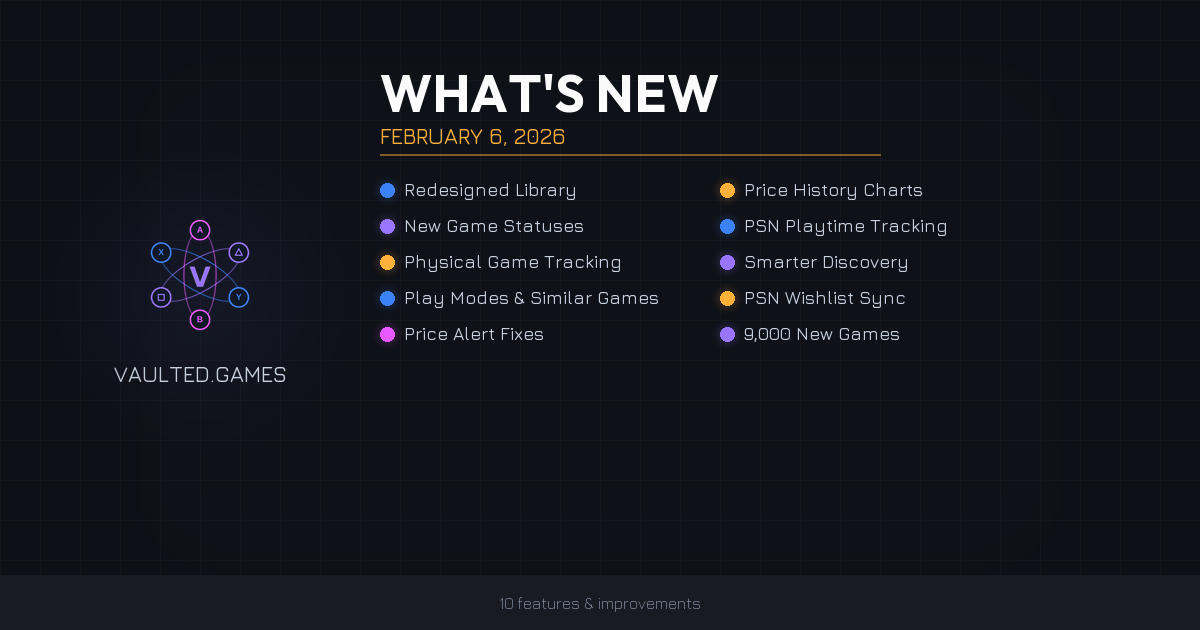
We shipped 10 major features this week. Here's what changed and why it matters.
Your Library Got a Makeover
The library page is the screen you use most, so we rebuilt it.
The old slide-out filter panel is gone. In its place: a clean inline filter bar sitting right below the search bar with chip-style buttons for Status, Platform, Source, Ownership, and Sort.
What's different:
- Filter chips open dropdown menus with checkboxes for multi-select. Active filters turn blue with a count badge (e.g., "Status (3)") so you always know what's filtered.
- Platform badges on every game card. Small colored squares with the platform's brand color and icon. Games owned on multiple platforms show badges side by side.
- Color-matched tooltips on hover. The tooltip uses the platform's brand color and shows the specific console (e.g., "PS5" not just "PSN", or "XSX|S" for Xbox Series X).
- Game count on the right side of the filter bar. Shows "142 games" normally, or "23 of 142 games" when filters are active.
- Sort direction toggle next to the sort dropdown. Flip between ascending and descending with one click.
- Proper link behavior on game cards. Middle-click or Ctrl+click to open in a new tab. Right-click shows "Open in new tab." Finally.
All filtering is instant. No page reloads.
📸 Screenshot: Library page showing the new inline filter bar with chip buttons, platform badges on game cards, and game count display. Ideally with a few filters active so the blue count badges and "X of Y games" are visible.
New Game Statuses: On Hold & Finished
Tracking your progress just got more accurate. We replaced the generic "Owned" status with two statuses that actually mean something.
Before: Backlog, Playing, Owned, Completed, Abandoned
After: Backlog, Playing, On Hold, Finished, Completed, Abandoned
Here's the breakdown:
| Status | Icon | What It Means |
|---|---|---|
| On Hold | Pause (orange) | Started but paused. Might return to it later. |
| Finished | Flag (green) | Beat the main story or campaign. |
| Completed | Trophy (yellow) | 100% completion. All achievements. Platinum trophy. |
Why "Owned" is gone: Every game in your library is owned. The status was redundant. All games previously marked "Owned" were automatically moved to "Backlog."
Bonus: When the system detects 100% achievements (Steam/Xbox) or a platinum trophy (PSN) during sync, the game automatically upgrades to "Completed."
📸 Screenshot: Game detail page showing the new status buttons with their colored backgrounds and icons. Bonus if the tooltip explaining a status is visible on hover.
Price History Charts
Game detail pages now include an interactive price history chart showing how a game's price has changed over time across different stores.
- Store-colored lines for each retailer (Steam, PlayStation Store, Xbox Store, Nintendo eShop, Epic, GOG, and more). Each gets its own line in that store's brand color.
- Historical Low badge above the chart: the lowest price ever recorded, which store had it, and when.
- Date range selector: Free users see 30 days. Premium and Family users can toggle between 30 Days, 90 Days, 1 Year, and All Time.
- Platform-aware filtering: Select PS5, and the chart shows only PSN prices. No noise from stores you don't care about.
- Edition filtering: Base game, Deluxe, Ultimate. The chart respects your edition selection.
We also rebuilt the underlying price tracking system to preserve historical data instead of overwriting it. Your price history charts will get richer over time.
📸 Screenshot: Price history chart on a game detail page showing multiple store-colored lines, the Historical Low badge, and the date range selector. Pick a game with price movement across at least 2-3 stores.
PSN Playtime Tracking
PlayStation gamers, you've got playtime data now.
Previously, only Steam games showed playtime in your library. PSN games always showed zero because the Trophy API doesn't include playtime. We now pull playtime from the PSN Game List API during sync.
- Playtime appears on library game cards in both grid and list views (e.g., "3h 25m played").
- Games with less than 1 minute don't show a playtime display. No misleading "0m played."
- Sorting by playtime now works across all platforms. Your most-played games bubble to the top regardless of where you played them.
Physical Copies & Sold Games
Collectors, this one's for you.
Physical vs. Digital
- A Digital/Physical toggle appears when adding a game (defaults to Digital).
- Physical games show an amber "Physical" badge with a disc icon.
- Filter your library by Ownership to show only physical or only digital games.
- Change the toggle anytime from the game detail page.
Mark Games as Sold
- Physical games can be marked as sold from the game detail page. A confirmation dialog warns you that the game will be hidden from your library and won't reappear during syncs.
- Sold games are hidden from your library but stay in the database. Your playtime, achievements, and purchase history are preserved.
- A red "SOLD" badge appears on the game detail page with an "Undo" link if you change your mind.
- Sync protection: Platform syncs will never re-add a game you've marked as sold. It stays sold until you say otherwise.
📸 Screenshot: Library view showing a game card with the amber "Physical" badge. If possible, also show the Digital/Physical toggle on a game detail page.
Smarter Discover Page
The Discover page is now personalized. All five carousels (Trending Now, New Releases, Popular Games, Coming Soon, Most Wishlisted) now filter out games already in your library. Everything shown is something you Haven't added yet.
We also rebuilt the Trending algorithm. It used to just sort by Metacritic score, showing the same highly-rated games every time. The new algorithm uses real activity signals:
| Signal | Weight |
|---|---|
| Recent library adds (14 days) | High |
| Recent wishlist adds (14 days) | Medium-High |
| Currently on sale | Medium |
| Metacritic score | Tiebreaker |
Only games released within the last 12 months qualify. Trending now actually means trending.
📸 Screenshot: Discover page showing the Trending Now carousel. Ideally showing games that are genuinely recent/trending rather than the old "always Metacritic top" results.
Play Modes & Similar Games
Two new sections on game detail pages:
Play Modes shows supported modes with icons and player counts. Single Player, Local Co-op (2 players), Online Multiplayer (up to 64 players), Split Screen, Cross-Platform. Shows up when we have the data for that game.
Similar Games recommends up to 6 related games based on genre overlap, tag overlap, same developer/publisher, and Metacritic score. More relevant than a simple genre match.
📸 Screenshot: Game detail page showing both the Play Modes card (with icons and player counts) and the Similar Games grid below it.
Price Alert Fixes
Two fixes that matter:
- Threshold respect: If you set "Notify on any sale" with a 30% minimum discount, you'll only get alerts at 30% off or more. Previously, you'd get alerts for small discounts like 17% off even with a minimum set.
- Emails actually render now: Price alert emails were arriving blank. They now show the game title, cover image, sale price vs. original price, discount percentage, store name, and a direct link to the deal.
PSN Wishlist Sync Improvements
Three fixes for PlayStation wishlists:
- No more "Unknown" games. PSN wishlist items that couldn't be identified used to show up as "Unknown." They're now resolved via metadata lookup or skipped.
- Full metadata on import. New wishlist items come in with real game titles, cover art, descriptions, release dates, genres, and publisher info instead of bare placeholders.
- Platform badges on wishlist items. PSN wishlist games now show the correct platform badge (PS5 or PS4). Existing items without badges were retroactively fixed.
9,000 New Games Added
A bulk import from TheGamesDB added roughly 9,000 new games to the catalog. These are being matched to store listings across Steam, PlayStation Store, Xbox Store, and Nintendo eShop for price tracking. Matching runs continuously and should finish within a few days.
Smaller Improvements
- Timezone fix: Dates throughout the site were sometimes displaying one day early. Fixed.
- Dashboard accuracy: The Lifetime Savings widget now uses playtime data from all platforms (PSN, Steam, Xbox) for more accurate calculations.
- Wishlist separation: Wishlist games no longer show up mixed in with library games.
What's Next
Here's what we're actively working on:
- Automatic wishlist-to-library transitions. When a game on your wishlist shows up in your library during a platform sync, it'll automatically move to Backlog or Playing. On PSN, we're also working on removing it from your PlayStation wishlist directly so you don't have to do it manually. For Steam, we'll surface when a game you already own is still sitting on your Steam Wishlist so you can clean it up yourself.
- More games in the catalog. We're continuing to expand the database beyond the 9,000 added this week.
- OpenCritic integration. Bringing in critic scores from OpenCritic to give you more review data alongside Metacritic.
- Trailer videos on game pages. So you can watch gameplay before deciding what to play next.
- Automatic daily syncs for Premium members. Your library stays up to date without lifting a finger.
Want to see these features in action? Sign up for free at Vaulted.Games and start tracking your collection today.